The week and month views
Two ways to look at the same entries, the totals each one gives you, and exporting a timesheet.
The week view
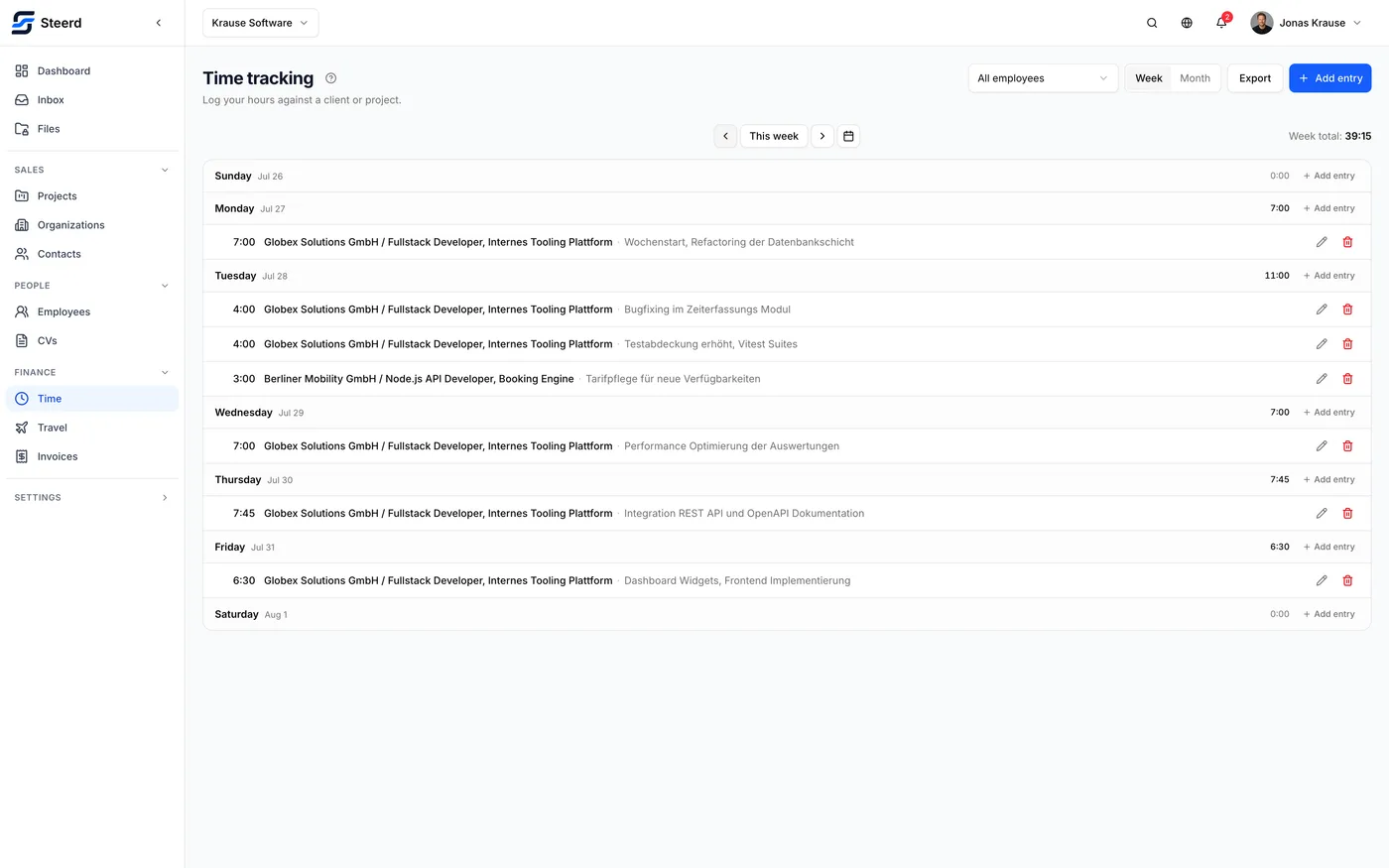
The default. A week at a time, with a running total per day and a total for the week. This is the view for filling in what you did.
Move between weeks with the previous and next controls, or jump to a specific week.
The month view
The same entries, laid out as a calendar month. Days show their entries and a count when there are more than fit. Use it to spot gaps: a week view makes a missing Tuesday easy to overlook, a month view makes it obvious.
You can add an entry for any day directly from that day.
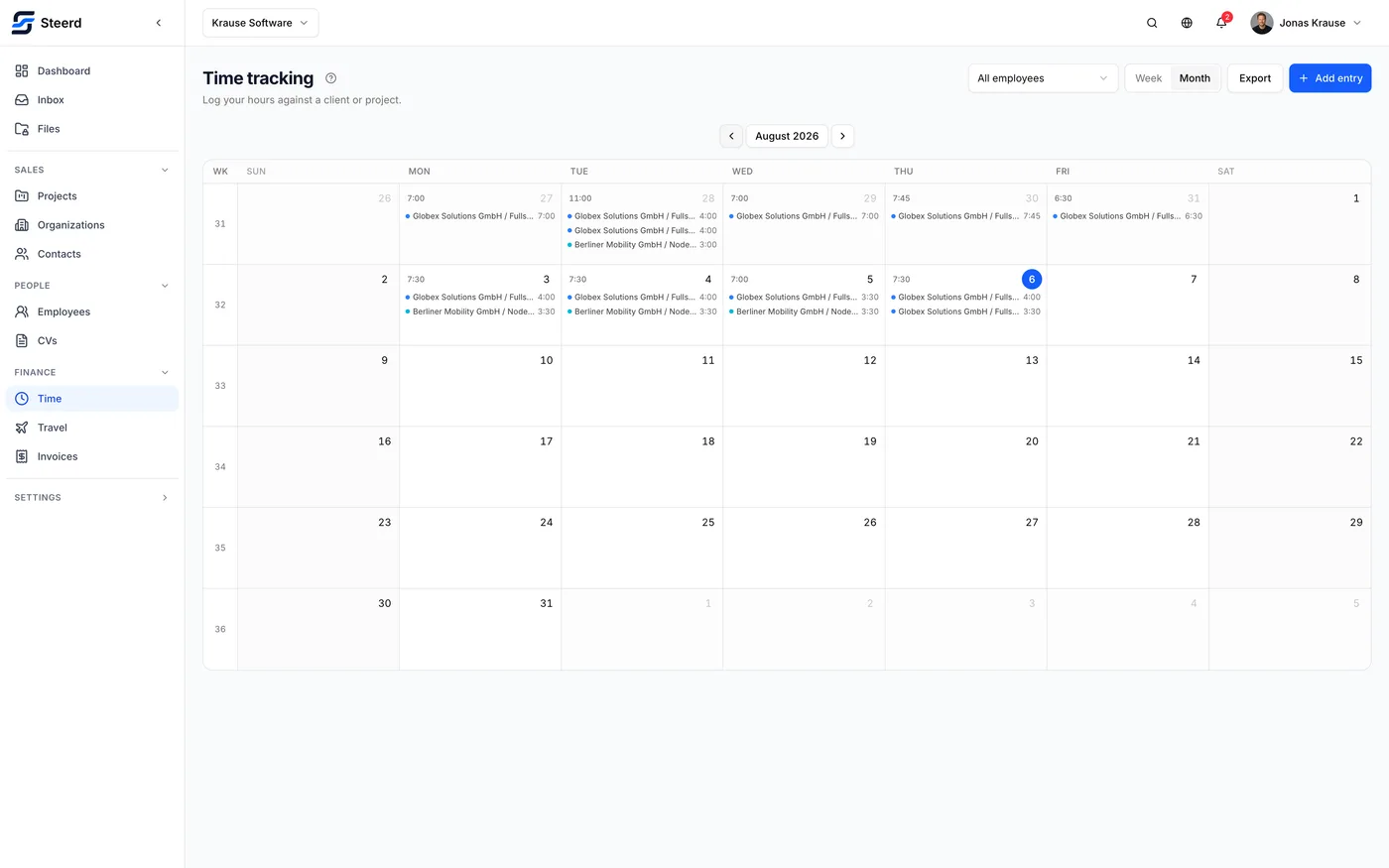
Both views show calendar week numbers, which matter more in German working life than the date alone.
Switching person
If you have the permission, a picker lets you view another employee's timesheet or all employees at once. The header states whose timesheet you are reading, so you cannot log an hour onto the wrong person without noticing.
Exporting a timesheet
Export produces a timesheet for a period you choose, either a whole month or a date range.
You can filter by:
- Organization, which filters by the counterparty each entry is billed to, not by who employs the person,
- Project,
- Employee.
You also choose the columns: date, employee, organization, project, description, hours, and the rest. The export is for handing to somebody, so include what they asked for and leave out what they did not.
This is separate from the timesheet you can attach to an invoice as proof. That one is generated at issue and matches the invoice exactly. See Adding tracked time to an invoice.