Time without a client
Billable hours that are attributed to nothing, why they are invisible everywhere else, and how to rescue them.
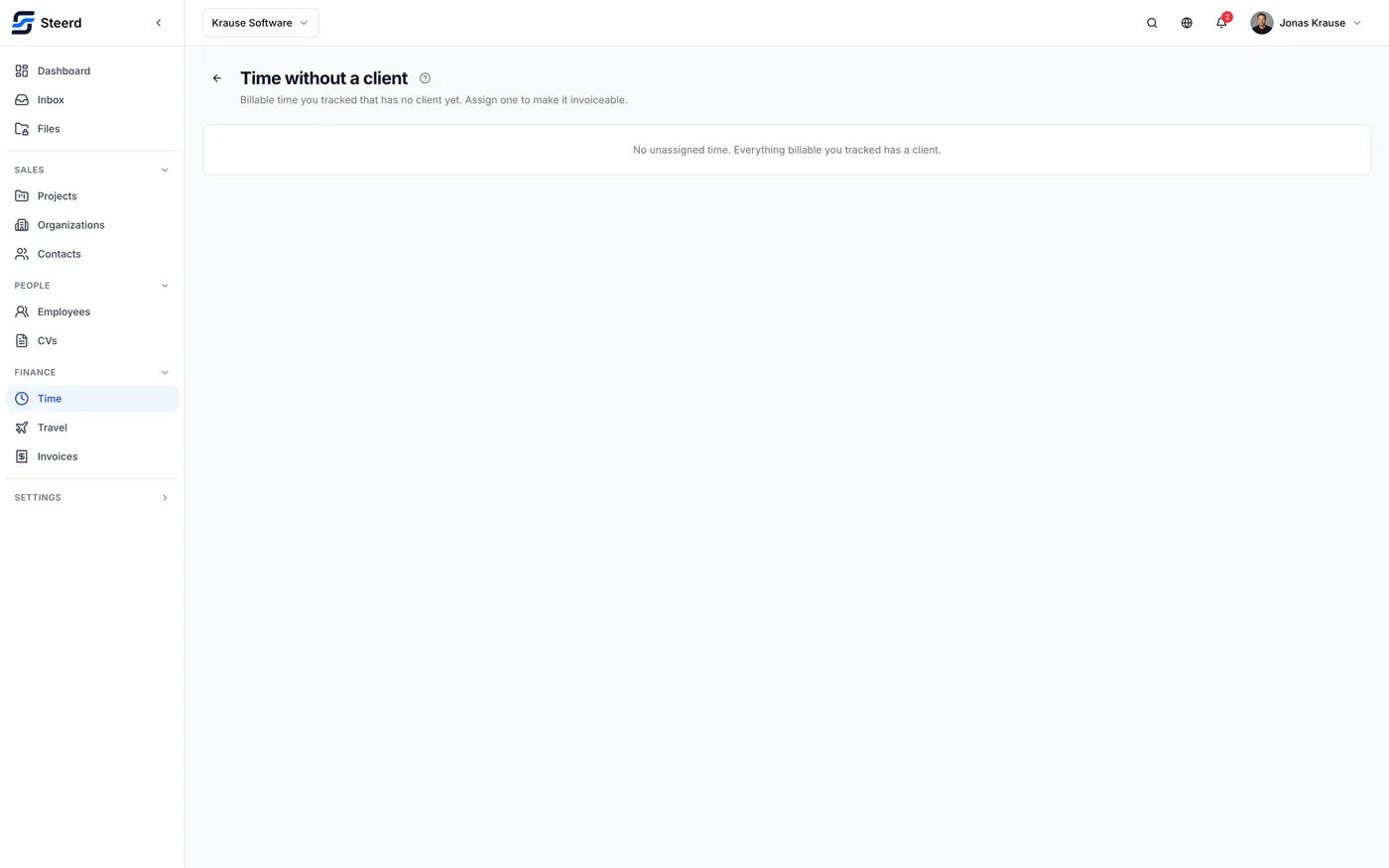
There is a screen called Time without a client. It lists billable time you tracked that has no client attached.
Why it needs its own screen
This is the one way to lose money in Steerd without anything looking wrong.
An entry marked billable but attributed to no client is real work, is counted in your totals, and will never appear on any invoice, because the invoice editor offers hours per client and this hour belongs to none. It is invisible exactly where it matters.
So the screen exists to make that pile visible on purpose. When it is empty it says so: "No unassigned time. Everything billable you tracked has a client."
Fixing it
Each row offers Assign a client. Once an entry has a client, it behaves like any other billable hour and shows up the next time you draft an invoice for them.
Entries with no description show as "No description", which is usually a hint about how much you will remember of it. Assigning while you still recall the work is easier than assigning at the end of the quarter.
Worth a habit
Look at this screen before you invoice, not after. Its whole value is being checked at the moment it can still change what you bill.
Non-billable time never appears here. It is excluded by design: it was never going to be invoiced, so it is not lost.