The pre-issue checklist
Every item Steerd checks before it will issue an invoice, what each one means, and where to fix it.
The editor shows a live list titled Before you issue this. Every item must be satisfied before Steerd will let you issue. If you try anyway, it refuses and tells you which points are outstanding.
The checklist is not a nag. It is the set of things that make the difference between an invoice and a piece of paper your client's accountant sends back.
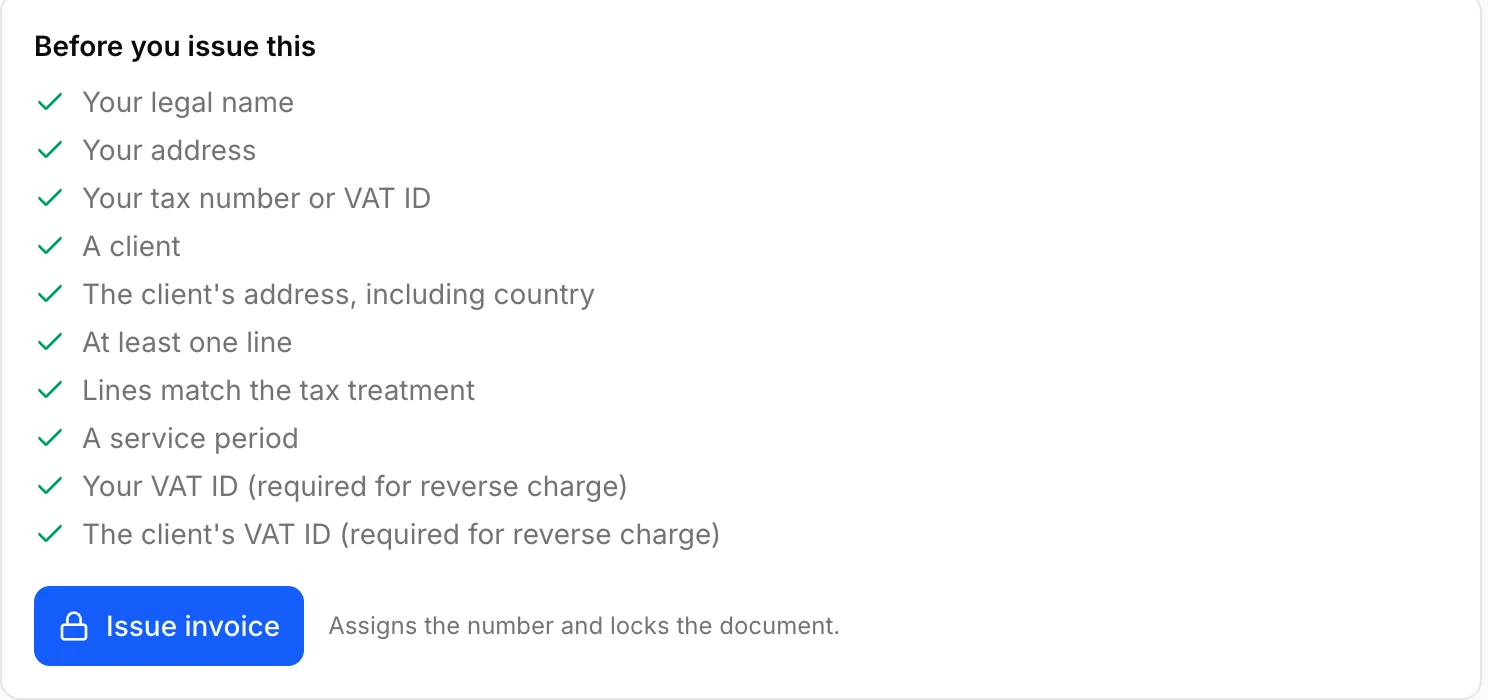
Always required
| Item | Where to fix it |
|---|---|
| Your legal name | Settings, Invoicing |
| Your address | Settings, Invoicing |
| Your tax number or VAT ID | Settings, Invoicing |
| A client | The invoice |
| The client's address, including country | The client's organization record |
| At least one line | The invoice |
| Lines match the tax treatment | The invoice, usually the treatment rather than the lines |
| A service period | The invoice |
Required by some tax treatments
| Item | When |
|---|---|
| Your VAT ID | Reverse charge |
| The client's VAT ID | Reverse charge |
| An exemption reason | Exempt supplies |
See Tax, VAT and reverse charge for why.
Required only for e-invoices
An e-invoice is a machine-readable document, and machines will not infer what a human reader would. So it asks for more:
- your contact name, email address and phone number,
- your electronic address, for example your invoicing email,
- your IBAN, because an e-invoice has to say how it can be paid,
- your VAT ID or commercial register number, so the recipient can identify who issued it,
- the client's electronic address, for example their Leitweg-ID or invoicing email.
These appear only when the invoice is actually going out as an e-invoice. See e-Invoicing.
Two blocks that are not about the document
"Your plan includes one invoice per month." A plan limit, not a validation failure. Upgrading lifts it.
A rule number you do not recognize. If the checklist mentions a rule and asks you to contact support, that is Steerd saying the invoice cannot be turned into a valid e-invoice for a reason the interface cannot express usefully. It is worth reporting rather than working around.